MellowKit Suggest a tool

Your everyday Mac toolkit

Capture beautifully.
Find your copies.
Type with feeling.

Screenshots. Screen recording. Clipboard history management. Typing sounds you’ll love.
And image workflows you can save and reuse.

For Apple Silicon Macs · macOS 15+
Launch in preparation

Screenshots & annotationAdd arrows & highlight details
MellowKit’s Tibetan fox desktop companionA little company, too.
Screenshots & annotationScreen recordingClipboard historyTyping sounds

Screenshots & annotation

A screenshot worth sending.

Capture a region, a window or a scrolling page. Point out the detail, hide what should stay private, and give the result a fitting background.

Scrolling capture · Annotation · Image styling

Explore screenshots & annotation

Screenshots & annotationAdd arrows & highlight details

Screen recording

Record it. Refine it. Share it.

Record your screen with camera and audio options. Trim the take, work with subtitles, and export the finished explanation.

Screen & camera · Editing · Export

Explore screen recording
Screen recordingTrim a clip & save edits

Clipboard history

Your copies have a history.

Find that paragraph, image or link you copied earlier. Search your clipboard history, check the preview, then copy it again or keep editing.

Text & images · Search · Favorites

Explore clipboard history
Clipboard historySearch → select → copy

Typing sounds

Find your typing rhythm.

From creamy mechanical keys to paper, water drops and a wooden-fish chime. Choose from eight sound packs and make everyday writing a little more satisfying.

Eight sound packs · Adjustable volume · Optional

Explore typing sounds
Typing soundsChoose a pack · Listen below

Hear your next favorite.

Four samples from the app’s eight sound packs. Click to listen.

Prepared audio samples · This website does not listen to your keyboard.

Sound sources & licenses

Reusable image workflows

Set it up once.
Use it again and again.

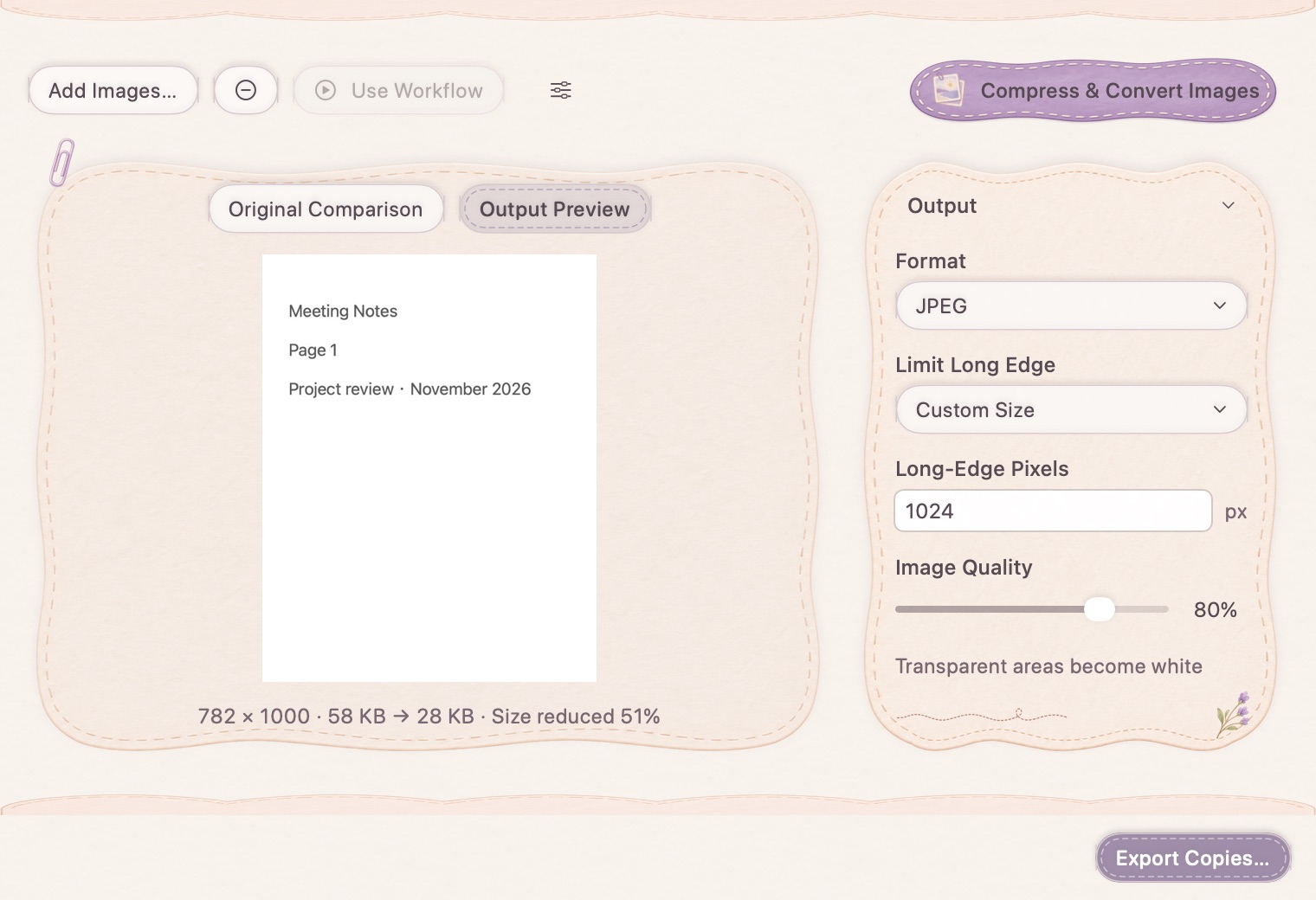
Resize, add your watermark, style a background, and export. Save the steps as an image workflow—then reuse them on the next screenshot or batch.

Explore reusable image workflows
Image workflowsAdd a step → save → run
  1. Resize1200 px
  2. WatermarkMellowKit
  3. BackgroundYour style
  4. ExportPNG / JPEG

Try the idea. Keep the routine.

Choose the finishing touches for this example image. In the app, save your settings to use again.

Interactive website example. Your files are not uploaded.

Custom paper valley artwork used to illustrate a reusable workflowMellowKit
1200 × 800 px

Small jobs.
Proper tools.

The everyday fixes you keep reaching for, all close at hand.

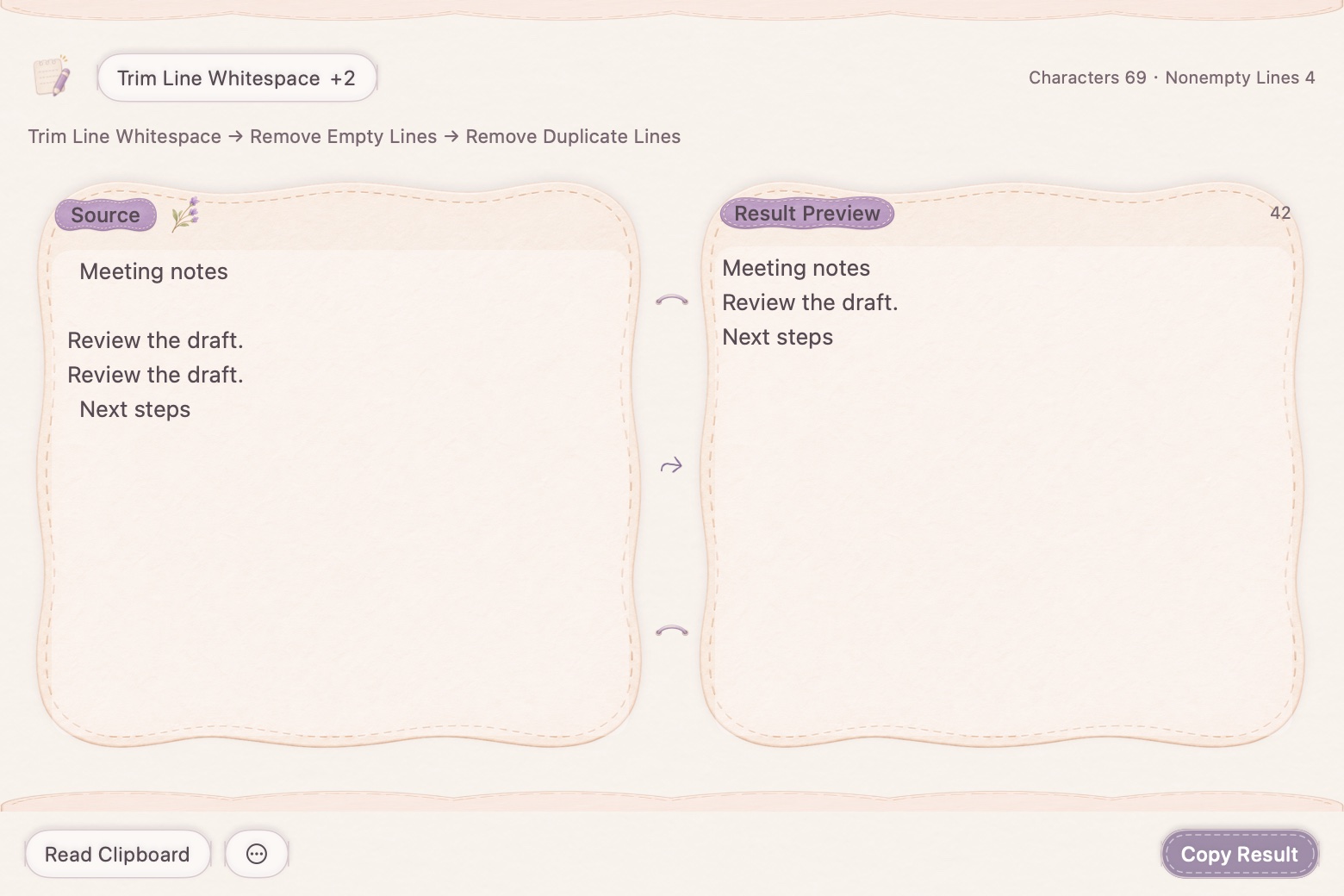
Native text cleanup showing trim, remove blank lines and deduplication with a result preview

A cleaner copy, without starting over.

Combine text-cleanup operations in order, preview the result, and use multi-step undo when you want to go back.

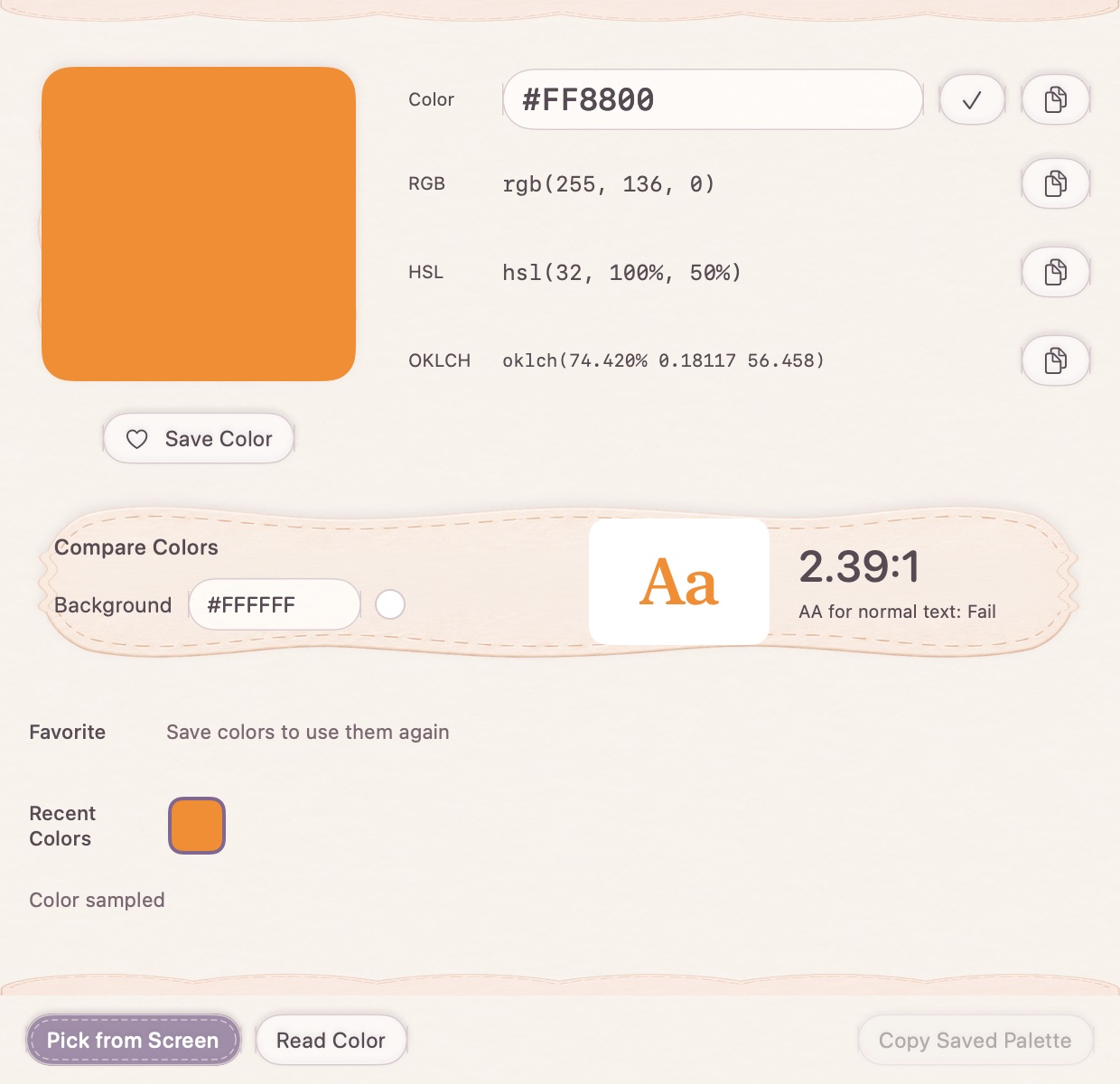
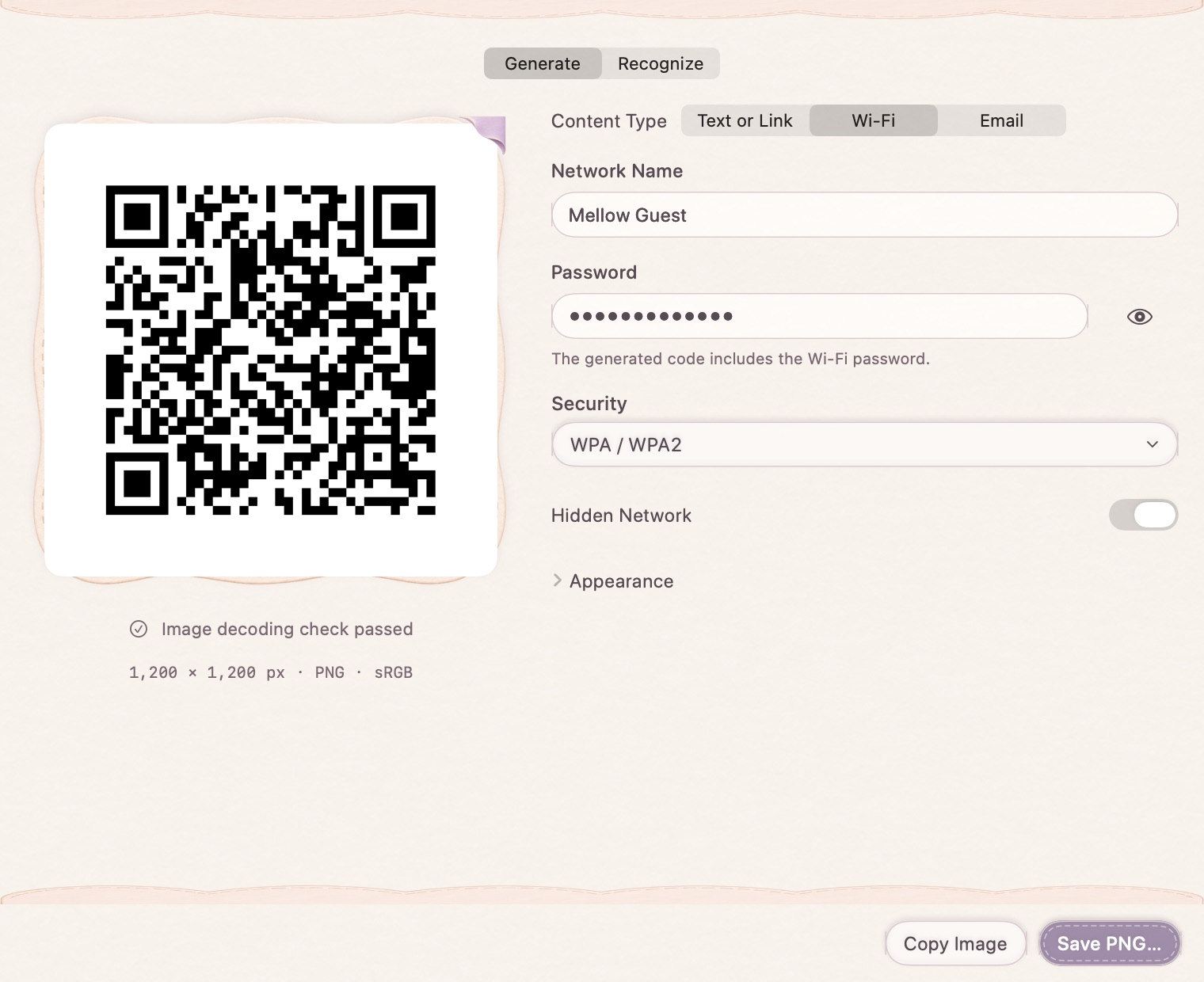
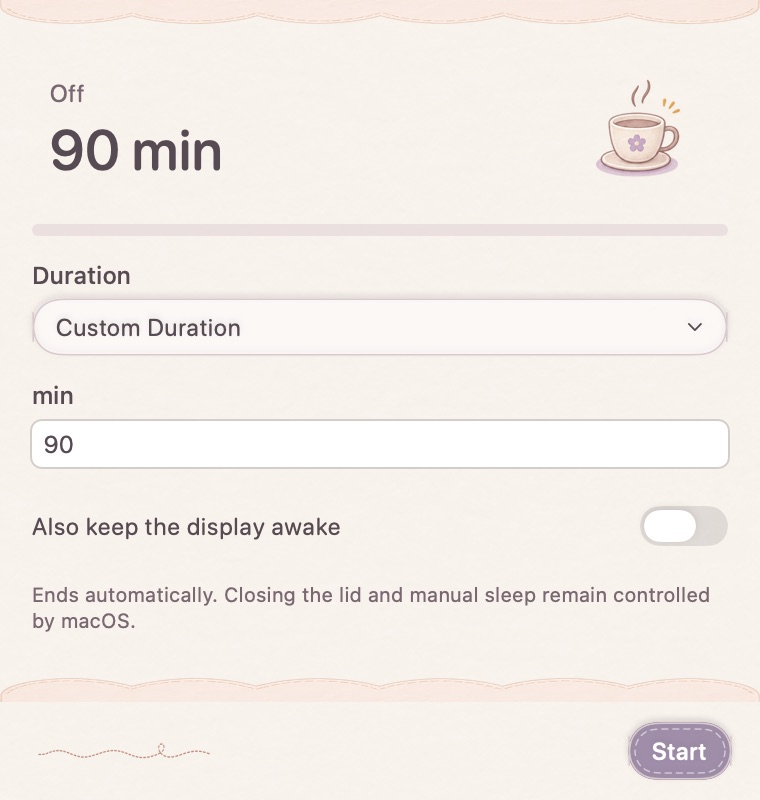
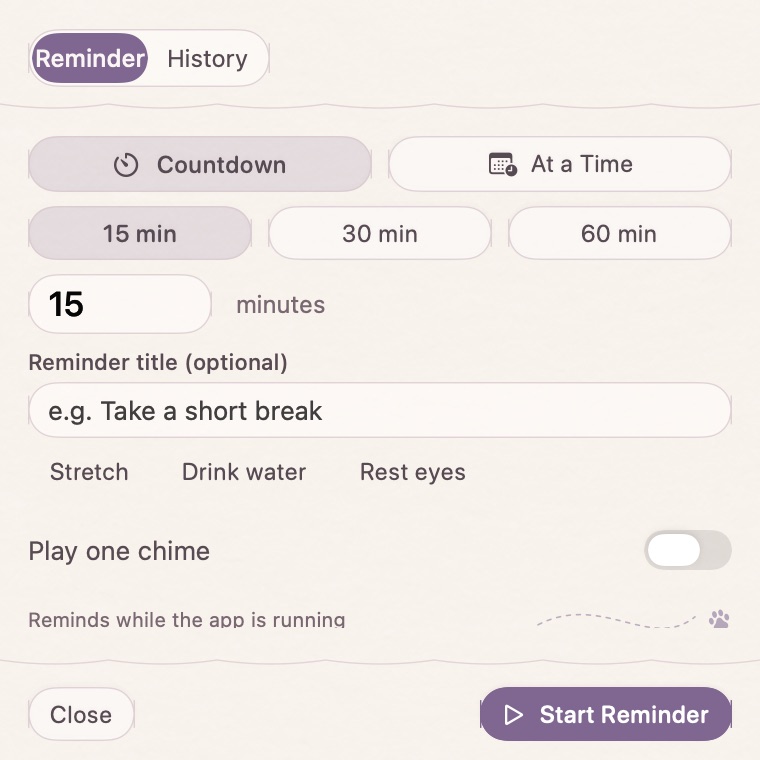
Generate a Wi-Fi or email QR code. Convert HEX, RGB or HSL colors. Keep your Mac awake for a custom duration, or set a reminder for later.

Meet your desktop companion

Good tools.
Good company.

A little character for your desktop, typing feedback for your rhythm, and a nudge when it is time to take a break. Choose a companion and an appearance that feel like you.

Desktop companions · Typing sounds · Reminders

Time for a little stretch.Tibetan fox desktop companion with typing feedbackThe same fox curled asleep in its tail

Help shape what comes next

What should we
make easier next?

Tell us about the task you keep repeating. Your ideas help shape the next MellowKit tool—and make the tools already here better.

Suggest a tool

“I resize every image to the same width, add a watermark, then export for my blog…”

Start with the task. We’ll work on the tool.

A few things to know.

Is MellowKit available to download?

We are preparing the first release. Download links, pricing and purchase details will appear here when they are ready. The page does not start a trial or charge you.

Which Macs does it support?

The current release target is Apple Silicon Macs running macOS 15 or later. The app supports English and Simplified Chinese.

What is a reusable image workflow?

An ordered set of image-processing steps and output settings you save once and run on new images: for example, resize, watermark, style and export.

Will it upload my screenshots or clipboard?

Core capture, clipboard storage and image-processing tasks work on your Mac. Optional model downloads, licensing and sending a support request involve network services. See the privacy page for the current details.

MellowKit for Mac

A little less busywork.
A little more you.

Launch in preparation. Explore what is coming, or tell us what would make your day easier.

Share an ideaRead the guides