Assemble a document from existing material
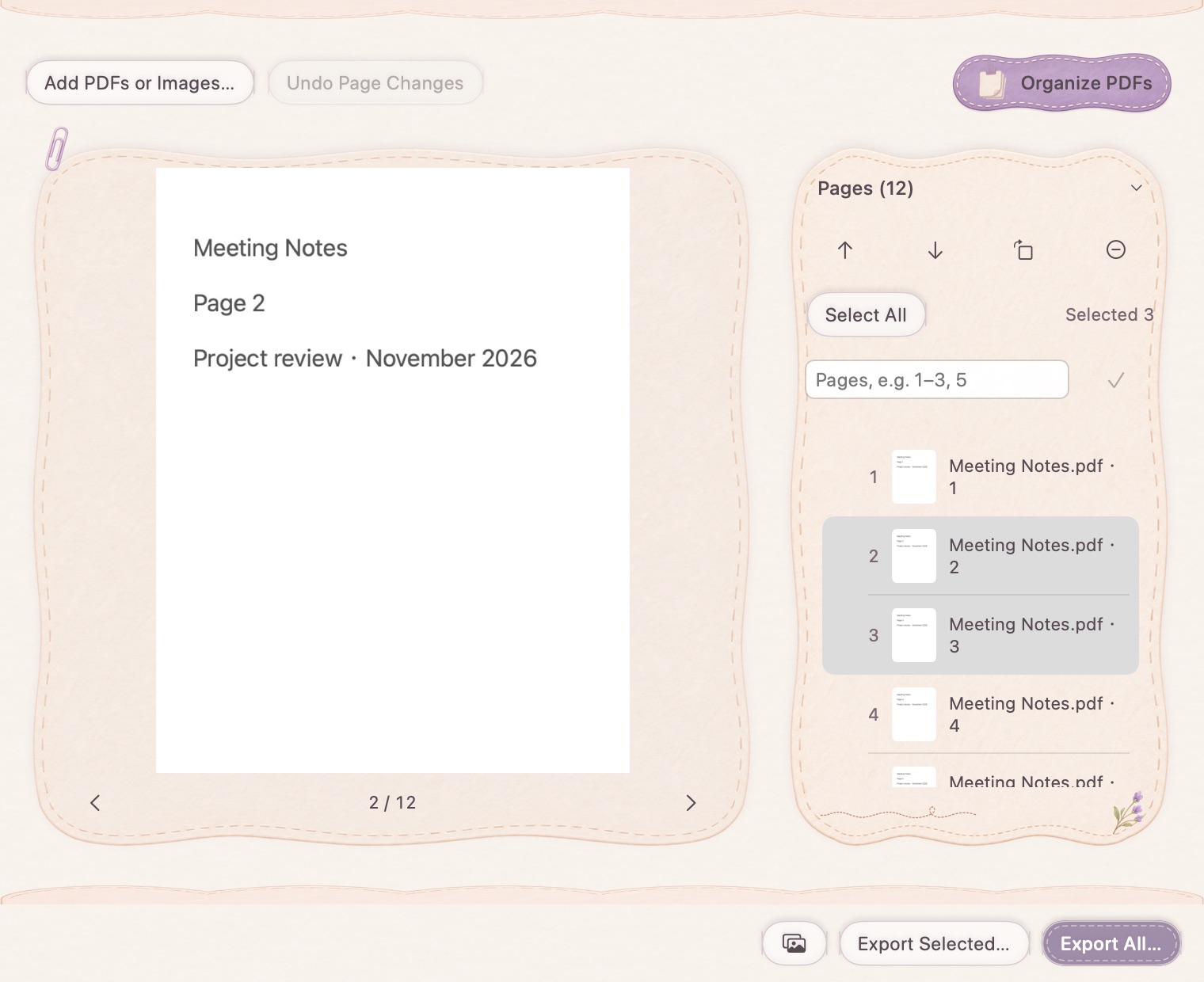
Add PDF documents or supported images to the page list. Use the page preview to check what you imported before reorganizing the document. This is a page-organization tool, not a promise to edit every word or layout object inside an existing PDF.
Select a range, or move a group
Enter ranges such as 1–3, 5 instead of selecting every page individually. Move a selected group up or down while keeping its internal order. Rotate or remove selected pages when the imported material needs adjustment. The selection range follows the current page positions after a move.
Export an extract or the whole document
Save only the selected pages for an extract, or export the full assembled document. PDF-to-image output is available when the destination needs individual page images. Source documents stay unchanged; check the new file for page order and rotation before passing it on.
How to use it
- Add the PDFs or images you want to assemble.
- Choose pages with a range or the page list.
- Move, rotate or remove pages and check the preview.
- Export selected pages, all pages or page images.
Can I extract nonadjacent pages?
Yes. Enter a combination such as 1–3, 5, then export the selected pages. Invalid ranges are rejected rather than silently changing the selection.
Does removing a page delete it from the original PDF?
No. It changes the working page list. Export a new file to keep the organized result; the source PDF remains intact.