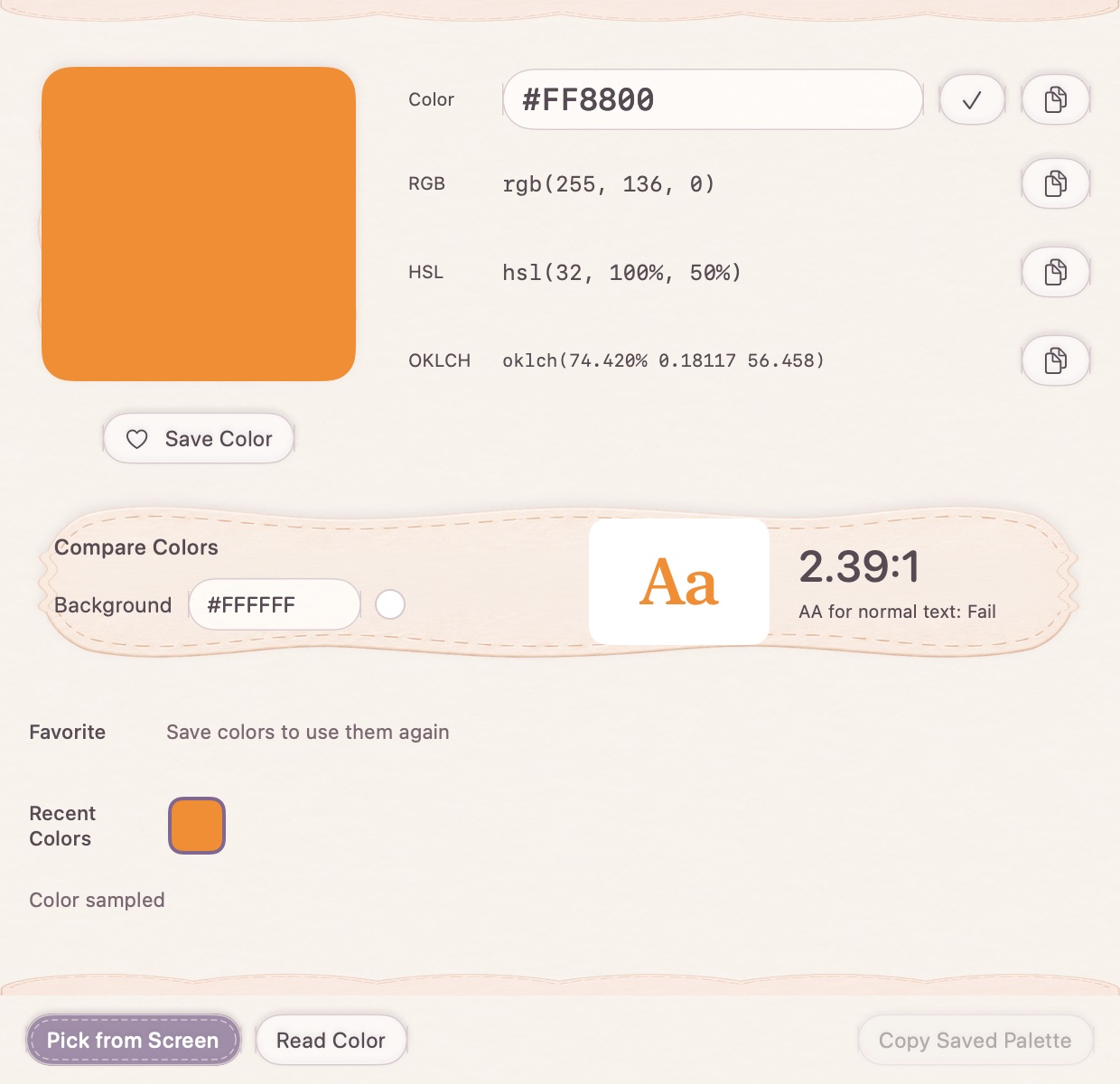
From a screen sample or a written value
Use screen sampling when the color is already visible. You can also enter short or full HEX values, numeric or percentage RGB, and HSL. Invalid values are rejected so that a typo does not quietly become a different color.
Copy the format, keep the color
Inspect the available HEX, RGB, HSL and OKLCH representations. Keep useful choices in recent colors or favorites, rather than sampling the same interface element over and over.
Check foreground against background
Use the comparison background to inspect a contrast ratio for the color pair. This is a practical check for that pair, not a complete accessibility audit of a page or application. Review the actual text size, state and surrounding content too.
How to use it
- Sample a screen color or enter a color value.
- Review the converted values and choose a format to copy.
- Save a favorite or compare against a background.
Can I enter RGB instead of HEX?
Yes. Common RGB and HSL inputs are supported along with three- and six-digit HEX.
Does it keep partially transparent input?
The utility works with opaque color input. It rejects translucent RGBA or HSLA values rather than silently dropping their transparency.