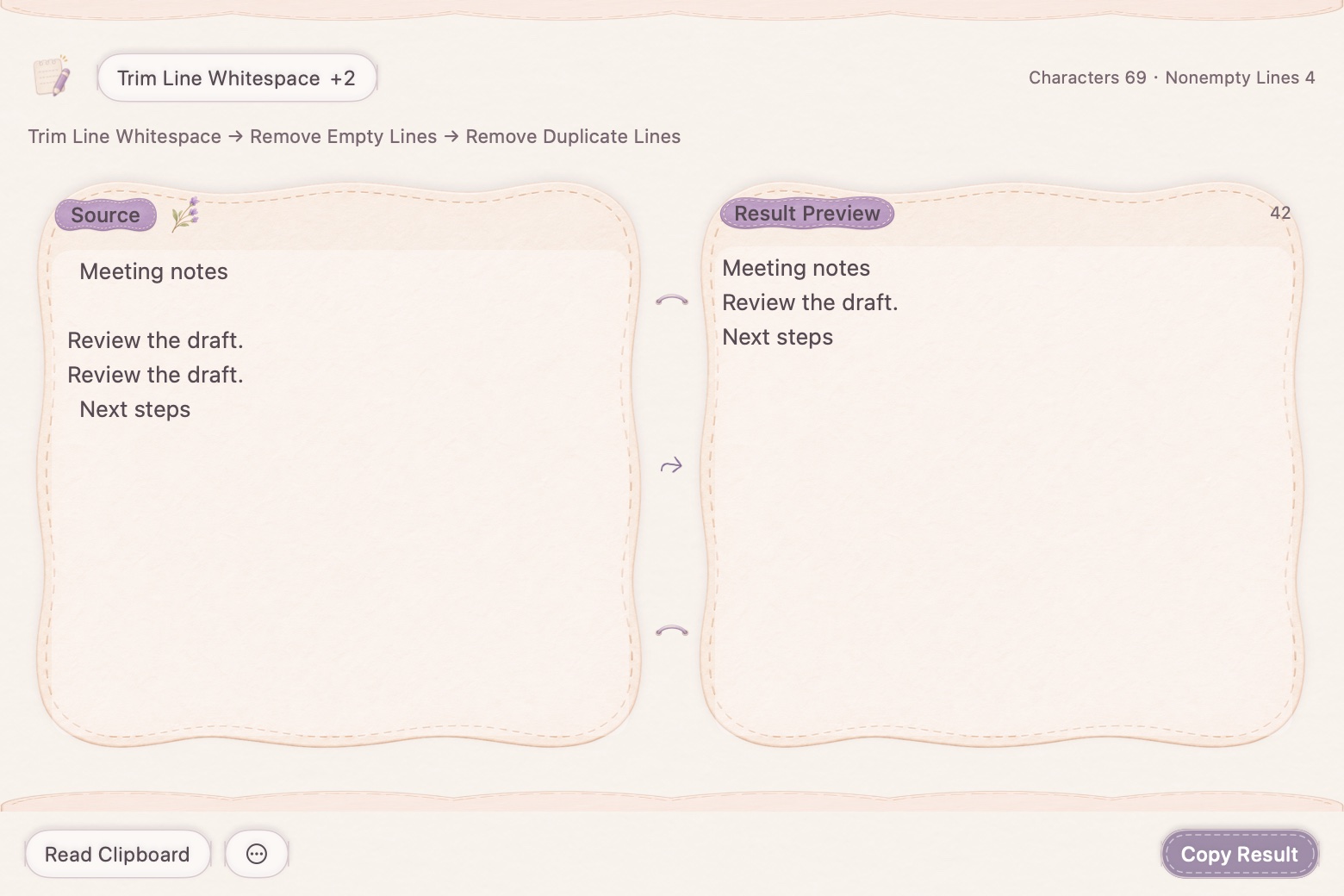
Combine the operations you need
Choose cleanup actions in the order the task requires. Trim line edges, remove unwanted empty lines or deduplicate repeated lines, rather than repeatedly moving text between separate tools. The visible sequence shows which transformations are being combined.
Keep structure where it matters
Joining wrapped text should not flatten everything into one paragraph. The processor preserves paragraph breaks and recognizes common lists, headings and fenced code blocks. Inspect unfamiliar formatting in the preview, especially when the source came from a complex PDF.
Continue, undo, and keep the original
Use the result as the next input when more work is needed. Multi-step undo and redo help you return to an earlier text revision. Copy the final result only when you have checked it; this is text cleanup, not automatic rewriting of meaning.
How to use it
- Paste or import text.
- Choose the cleanup actions and their order.
- Compare the preview, continue processing or undo, then copy the result.
Can I remove duplicate lines and extra spaces together?
Yes. Combine them in an ordered processing sequence and review the preview.
Does the tool rewrite the text with AI?
No. These cleanup actions are local text transformations, not a generative rewriting service.